Two-factor authentication, 2fa, requires you to know both your email and password and provide a verification code from a second device, usually a mobile phone.
Circle requires multi-factor authentication when signing in, transacting, and making changes to your account. If your password is compromised, reinforcements are in place to help keep your account safe.
We will require you to set up two-factor authentication using Google Authenticator/ Okta Verify when you sign up. We no longer consider one-time SMS codes to be secure enough and do not offer this method for two-factor authentication.
*Note: For accounts located in strict MFA regions (such as France), Okta Verify is the only permitted authenticator method for Mint account access.
Set up your authenticator app
-
Download the Authenticator app** to your iOS/Android device
-
Navigate to Settings >> Login and Security
-
Under the Two-factor Authentication section, select Google Authenticator
-
Scan the QR code with your authenticator app to sync your app to your Circle Mint account
-
Enter the new code from your authenticator app and click Done
**Prior to configuring Okta Verify, locate the sign-in instructions email sent by your organization. This email contains your organization's sign-in URL and username. If you have not received these instructions, please contact your company's IT help desk for Okta Verify setup guidance.
Reset your authenticator app
-
Log into your account using your username and password.
-
On the “Enter Authenticator Code” page, select the Reset Authenticator Code link.

- Re-enter your username and password to submit your request. If you have entered the correct credentials, you will receive an email asking you to reset your authenticator code.
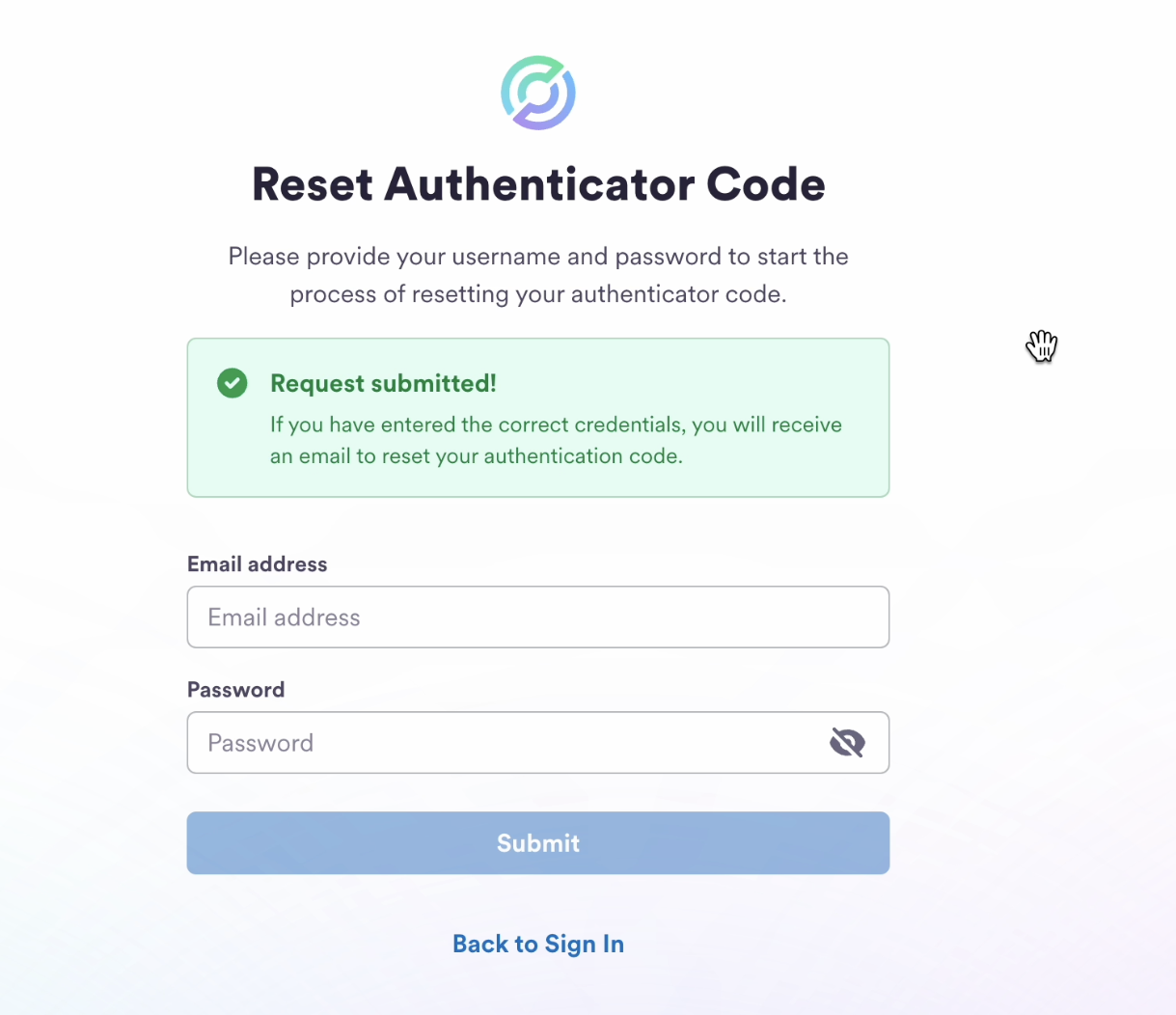
If you lose access to your 2FA device
You can reset your 2fa by selecting the Reset Authenticator Code link at the bottom of the login page and following the prompts.